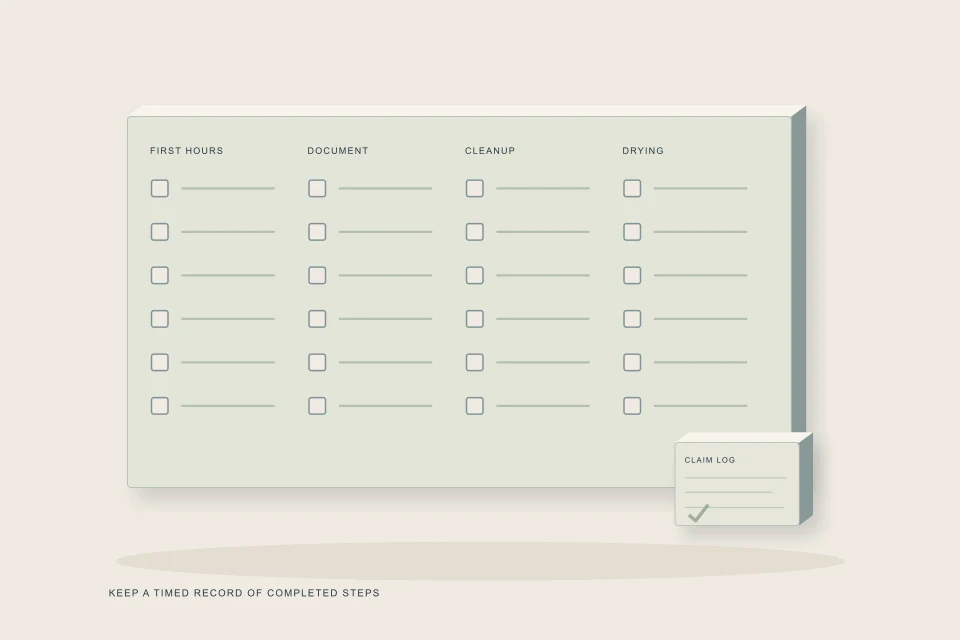
The Sewage Backup Checklist is a tickable list of 24 steps in six stages, from making the basement safe to preventing a repeat. Each tick records the date and time, a meter shows progress, and one button copies every ticked step with its time as plain text. Nothing leaves your browser, so the record is yours to paste into claim notes or an email.
- The six stages follow the real order of a sewage loss: safety, stopping the water, evidence, calls, cleanup and prevention.
- Each tick is stamped with the time you made it, which turns the list into a timeline for your adjuster and restorer.
- Ticks live only in the browser on the device you used, so copy the log before switching phones or clearing data.
- Items that do not apply can stay unticked; the meter is a progress guide, not a pass mark.
- The checklist complements, and never replaces, instructions from your insurer or your local public health unit.
Sewage Backup Checklist
01 /Why use a checklist after a sewage backup?
A sewage backup forces a string of decisions in the wrong order unless something keeps you on track. People scrub the floor before the drain is cleared, throw out a soaked couch before anyone photographs it, or plug in a fan beside a wet outlet. A fixed sequence with a clock attached prevents those mistakes and, as a side effect, produces the timeline an insurance adjuster asks for.
This checklist has 24 items grouped into six stages. You tick an item when you finish it; the page stores the tick and the moment you made it. A bar and a counter show how many are done. The “Copy summary for my insurer” button gathers every ticked item with its time into a short plain-text log headed “Sewer backup — steps taken”, ready to paste wherever you keep claim notes.
02 /How do the six stages map onto a real cleanup timeline?
The stages are not all done in the first hour. The first three usually happen within minutes, the calls within the first day, and the last two stretch across the days and weeks of drying and repair. Knowing that saves you from feeling behind when the meter sits at half.
| Stage | Items | When it usually happens | What it protects |
|---|---|---|---|
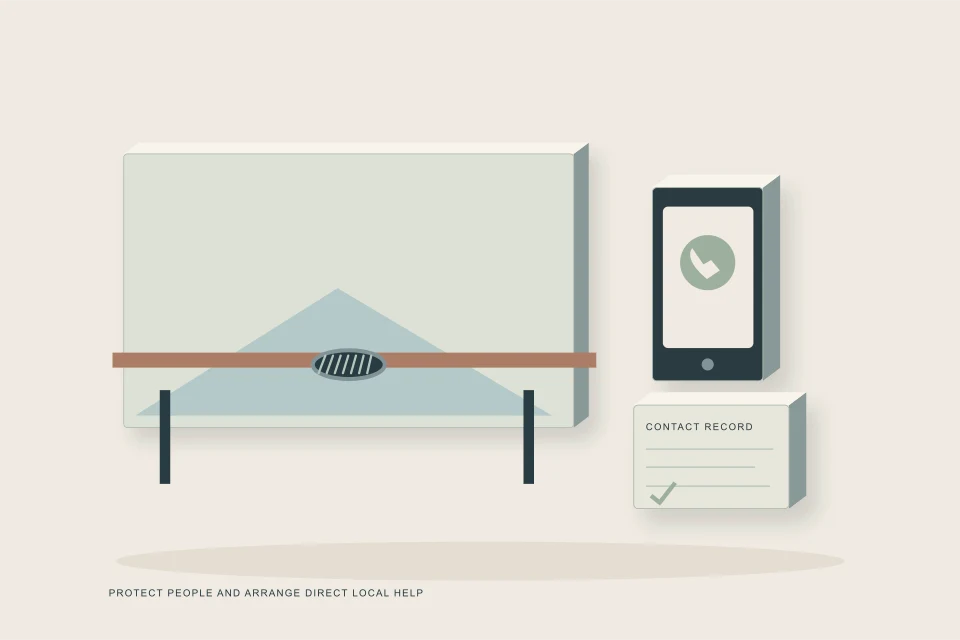
| 1. Make it safe | 5 | First minutes | People: shock, gas, contact with sewage |
| 2. Stop the water | 4 | First minutes | The house: prevents more sewage arriving |
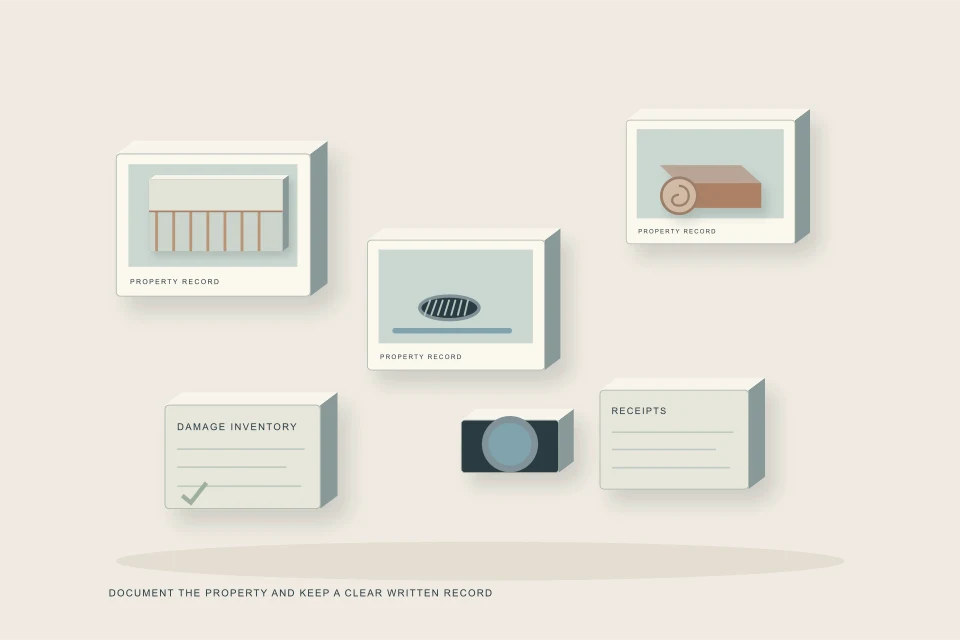
| 3. Document | 3 | First hour, before anything is moved | The claim: evidence cannot be recreated later |
| 4. Call | 4 | First hours to first day | Access to the right help in the right order |
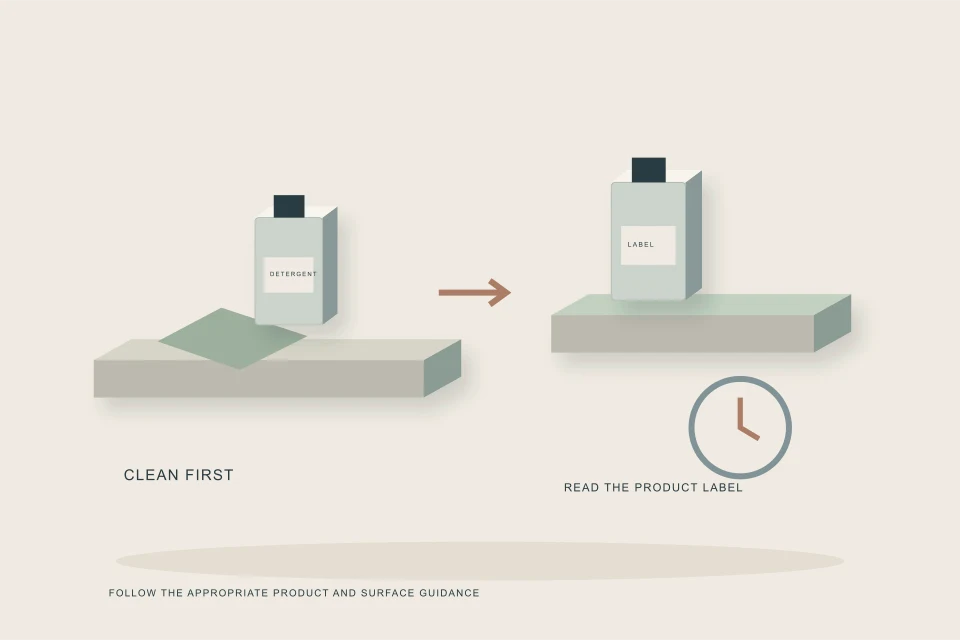
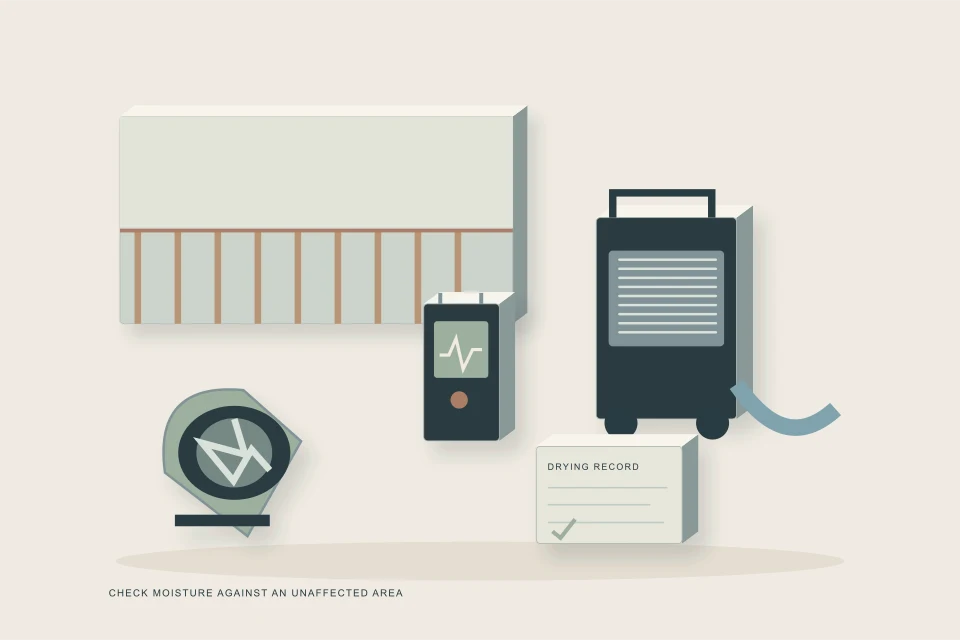
| 5. Clean up safely | 4 | Day 1 to the end of drying | Health and the structure: removal, disinfection, drying |
| 6. After | 4 | Days to weeks later | The next storm: cause found, records kept, repeat prevented |
If the water is still rising, stages 1 and 2 are the whole job for now. The emergency guide covers those minutes in more depth, including how to tell whether the backup is coming from your own line or the city's.
03 /Which checklist items matter most for the cleanup itself?
From a cleanup point of view, five items decide how big and how expensive the job becomes. Tick them carefully, because each one either limits the damage or proves it.
- Stopping water use (stage 2). Every flush upstairs sends more sewage to the basement while the line is blocked. Appliances that start on a timer count too.
- Leaving the cleanout cap alone (stage 2). A pressurized cap sprays sewage across the room and onto whoever opens it, which enlarges the area to be cleaned.
- Photos and video before cleanup (stage 3). The size of the cleanup scope is argued from these images later.
- Removing soaked porous materials (stage 5). Carpet, underpad, the bottom of the drywall and wet insulation hold contamination; the list tells you to follow public-health guidance on removal.
- Drying fast (stage 5). Health Canada notes that a house and its furnishings are less likely to grow mould if they are dried within 48 hours.
What exactly goes in the bin, and what can be cleaned, is laid out in what to throw away after a sewage backup. How to clean what stays is in disinfecting after a sewage backup.
04 /How should you use the copied log with your insurer and restorer?
Paste the log into an email to yourself on the day of the backup, then forward it when the adjuster or restoration company asks what happened. A dated email is a better record than a note on a phone that might be replaced.
- Tick as you go, not at the end
The stored time is the moment you tick. Ticking everything at midnight makes every step look simultaneous.
- Copy after each stage
Copying often protects you if the browser's storage is cleared or the phone gets wet.
- Add what the list cannot know
Claim number, adjuster name, the contractor who cleared the line, and the time the water stopped.
- Attach photos separately
The checklist stores no images. Keep photos in your camera roll or a shared folder named with the date.
- Keep the email thread going
Reply to your own first email each day with new ticks, so the whole claim history sits in one thread.
Adjusters work from evidence and dates. The documentation guide explains what photos to take, which receipts to keep and how to list damaged contents so they can be valued.
05 /How are ticks stored, and what are the limits?
Ticks and times are kept in your browser's local storage on the device you are using. Nothing is sent to HAUSE, an insurer or a contractor, and there is no account. That keeps the tool private, but it also means the record is fragile.
| Situation | What happens | What to do |
|---|---|---|
| Same phone, same browser, next day | Ticks and times are still there | Carry on |
| Different phone or computer | The list starts empty | Paste your earlier log into your notes |
| Private or incognito window | Ticks may vanish when the window closes | Use a normal window |
| Browser data cleared | Ticks are erased | Copy the log regularly |
| Clipboard blocked by the browser | The log text appears on the page instead | Select it and copy by hand |
| You press Start over | Every tick and time is cleared | Only do this after the claim is closed |
Unticking a box removes its time; ticking again records a new one. Unticked items are left out of the copied log, so if a step did not apply, for example you have no backwater valve, mention that in your own words.
06 /What does the checklist leave to you and the professionals?
The list is a sequence, not an assessment. It cannot see how far water wicked into a wall, whether a subfloor is still wet, or whether your policy includes sewer backup cover. The Insurance Bureau of Canada notes that sewer backup damage is typically not covered by a standard policy and is sold as optional coverage by most insurers, so the calls stage matters even before you know the answer.
- Deciding whether the job is an owner cleanup or a professional one: use the Sewage Cleanup Triage.
- Moisture readings and drying targets: a restorer's meter, explained in drying and mould after a sewage backup.
- Finding the cause: a camera inspection after the line is cleared.
- Protecting the house next time: a maintained backwater valve, covered in backwater valves after a backup.
If you want help lining up cleanup, you can send a request with the area affected and a few photos.
FAQQuestions people ask
Can my restoration company see my ticks?
No. The ticks stay in your browser. Copy the log and send it yourself if you want the restorer or adjuster to have your timeline.
What heading does the copied log use?
It starts with “Sewer backup — steps taken” and the website name, followed by one line per ticked item with the date and time you ticked it.
Should the whole household tick on one phone?
Yes, ideally. Ticks are tied to a single browser, so one person keeping the list gives one consistent timeline.
Is 24 steps too many in an emergency?
Only the first two stages are urgent. They take a few minutes. The rest spreads over the following days and weeks of cleanup and repair.
Does ticking the cleanup items mean the job is done properly?
No. Ticks record that you did a step, not that the materials are dry or clean. Moisture readings and, where needed, a restorer's sign-off confirm that.
NETWORKGo deeper across the HAUSE Sewer network
Sewer Backup Checklist
Sewer Backup Checklist: 24 steps in six stages, from making it safe to after cleanup, with a progress meter and a copy-ready summary for your insurer.
SewerJetting.caHow to use a drain jetter: a safety-first walkthrough for rental units
How to use a drain jetter or rented sewer jetter: setup, nozzle choice, feeding and pulling hose, and the stop rules that help prevent injection injuries.
SewerInspector.caSewer line locating and depth: how the mark on your lawn is made
How sewer line locating and depth readings work: the sonde, the hand-held locator, peak and null readings, marking, accuracy, and calling before you dig.